Cutup is the same app on iPhone, iPhone Duo and iPad, with the same reels, purchases and Player Pages. What changes is the room it has. On a phone, the preview sits on top and the tools below it. On a bigger screen, the preview takes one side and the tools the other, so you trim a clip, place a callout or write a label without the picture ever leaving the screen.
Cutup picks the layout from the space it has, not from the device. Turn the iPad, open or fold the iPhone Duo, or make the window narrower, and it changes to fit, in the middle of playback, an export or a callout you are dragging, without starting over.
The pictures on this page are Cutup's own screens, taken from Apple's simulators with a made-up athlete.
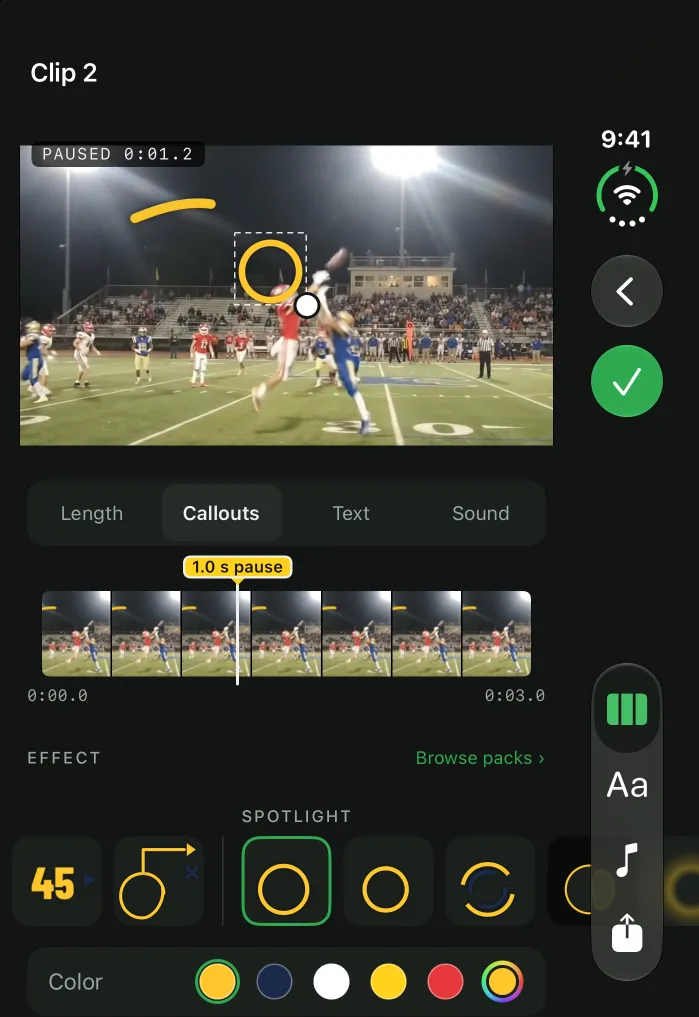
iPhone Duo, closed
Closed, the iPhone Duo is a phone, and Cutup works the way it does on any iPhone: the preview on top, your clips and tools below. Close, Undo and the tabs sit in the bar along the right edge, out of the way of the picture.
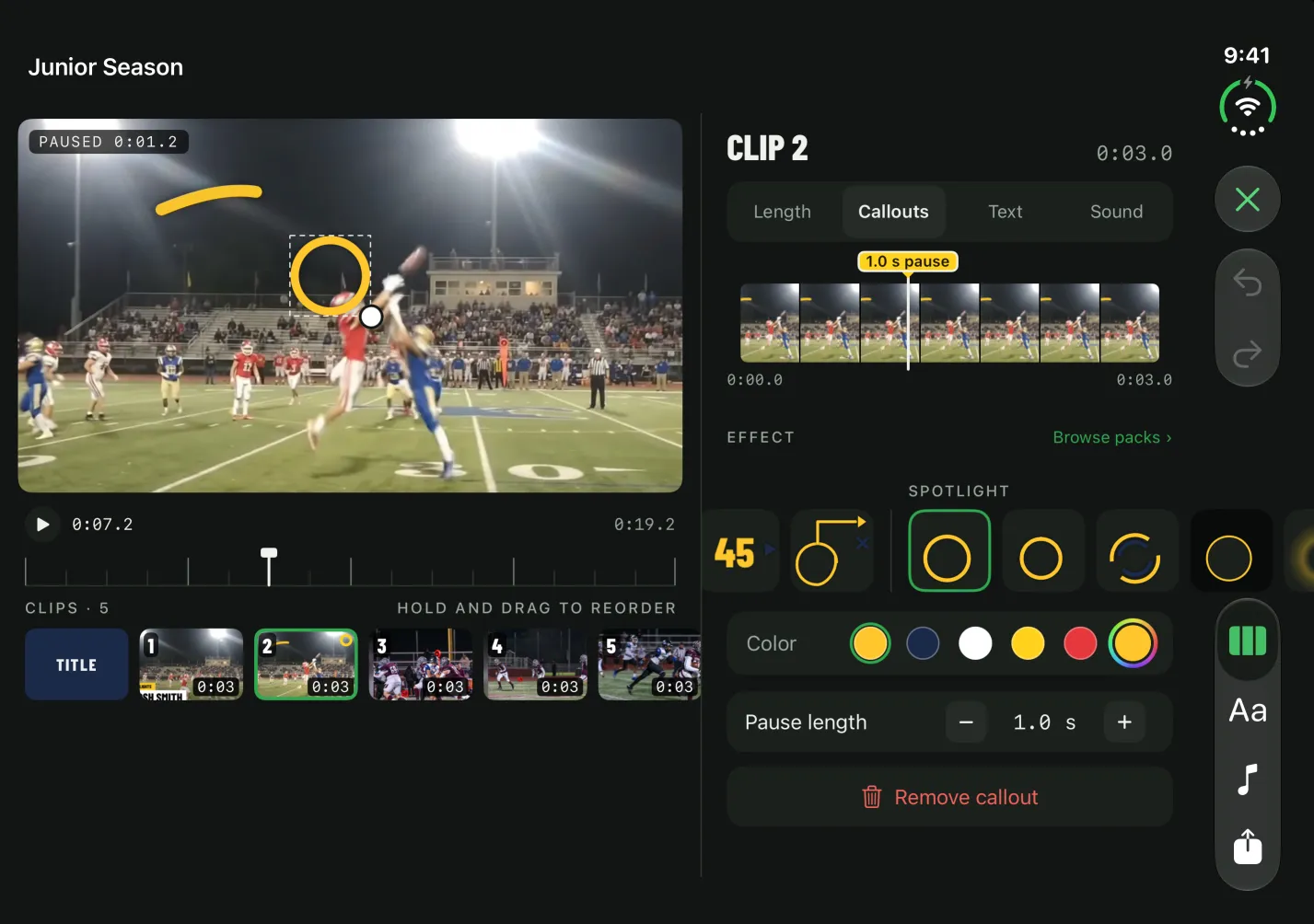
iPhone Duo, open like a book
Open like a book, the reel takes the left page and the tools the right. Tap a clip and its Trim, Callouts, Text and Sound open next to the preview, with no new screen to go back from. Fold it partway and the line between the two sits on the fold, so nothing you need is ever in the crease.
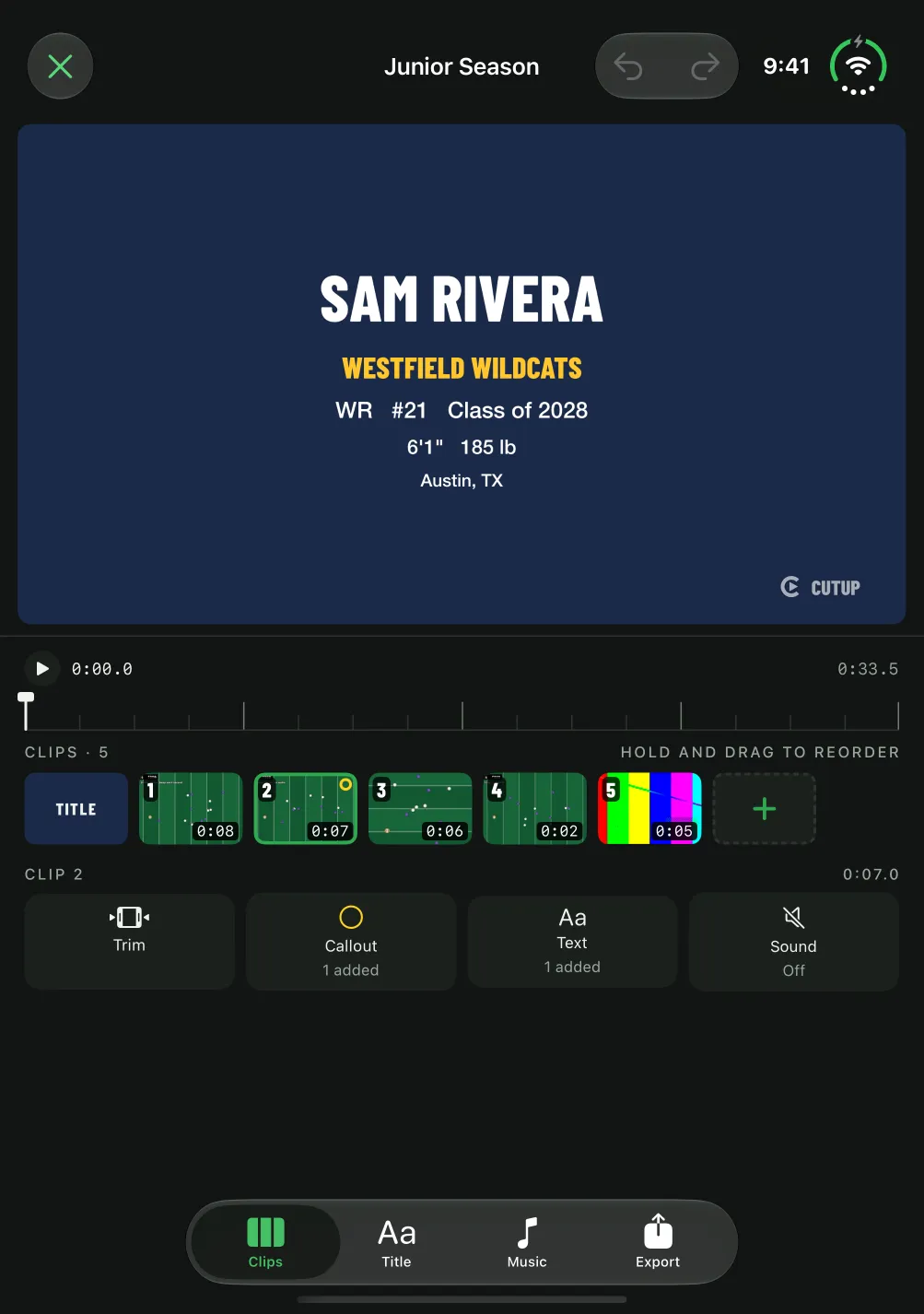
iPhone Duo, open upright
Held upright or propped on a table, the reel fills the top half and your clips and tools the bottom. A landscape reel gets the whole width of the screen to show your play at its best.
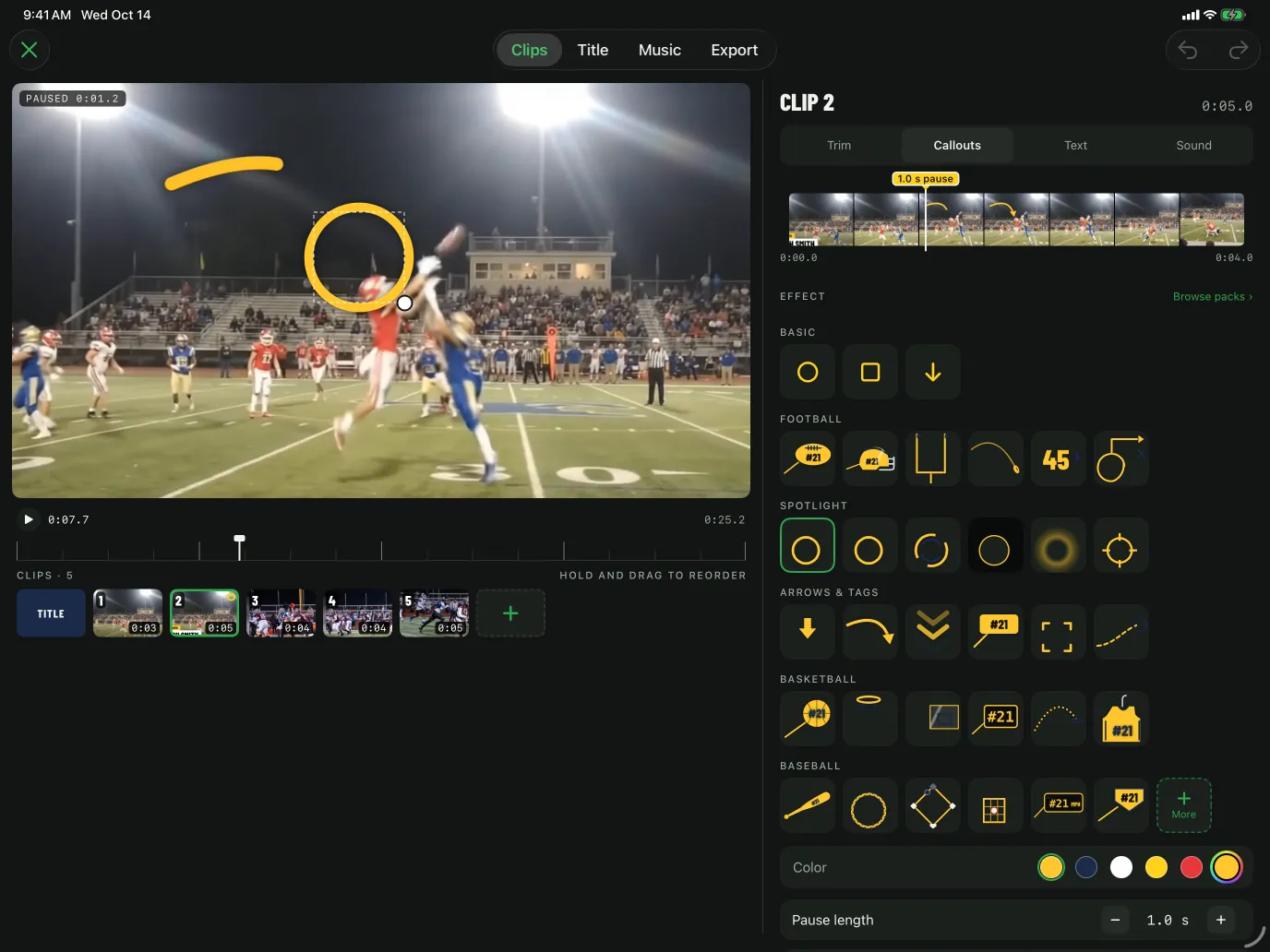
iPad
In landscape the reel sits beside the tools, as on the open iPhone Duo; held upright it sits on top. With a keyboard, Space plays and pauses, Command-Z undoes, and the arrow keys step a trim one frame at a time.
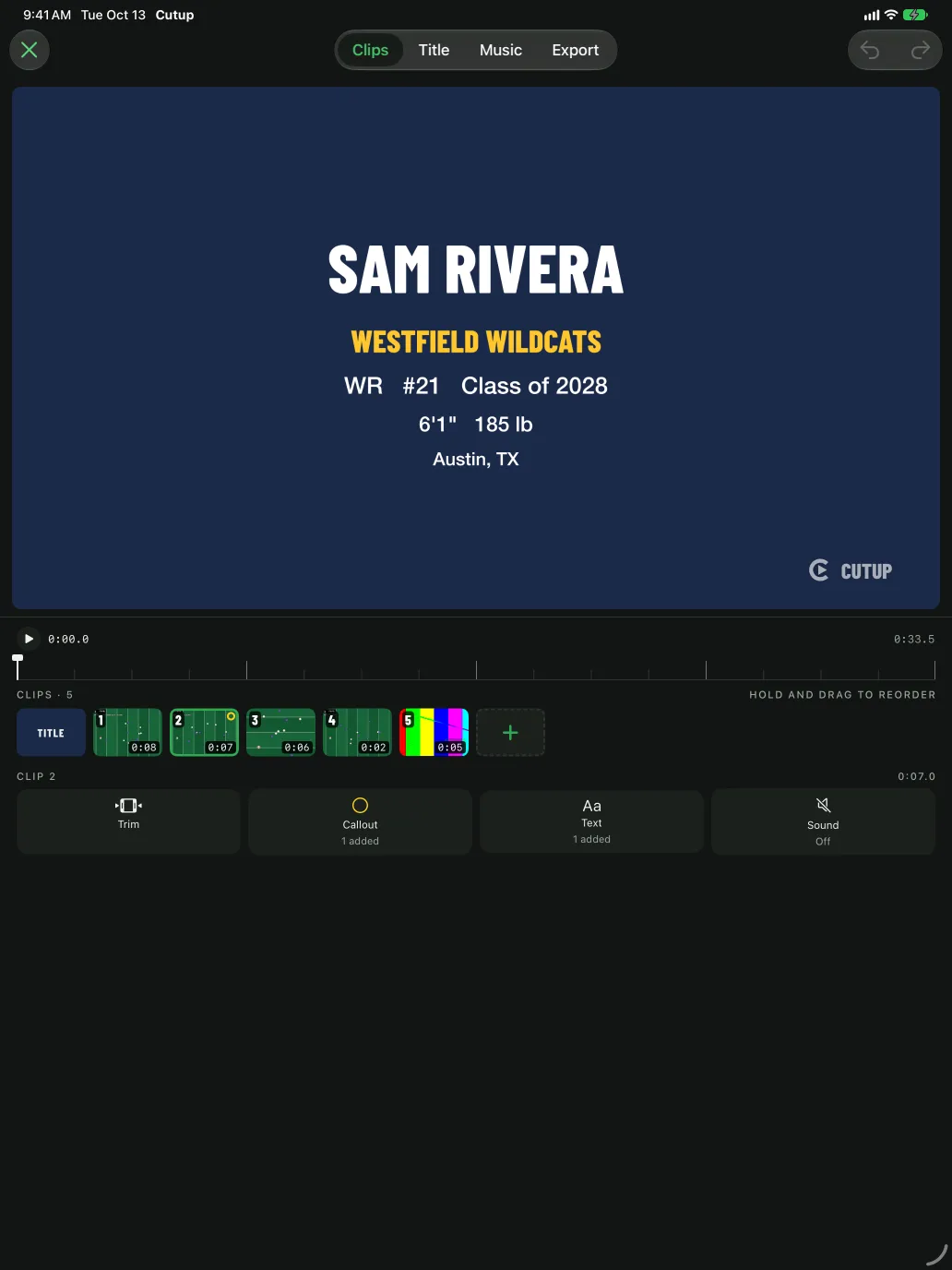
Beside another app
Put Cutup in a narrow window next to your messages or the coach's website, and it goes back to the phone layout, so every tool is still there. Widen the window and the preview moves beside the tools again.
Your reels on every device
Reels you make on your iPhone appear on your iPad and your iPhone Duo through your own iCloud, with the clips you imported and your saved athlete details, and the other way round. Purchases and Player Pages come with your Apple Account, so anything you bought works on each. Cutup is not offered on Mac or Apple Vision Pro.
Requirements
An iPhone with iOS 17 or later, or an iPad with iPadOS 17 or later. Cutup is free to make and export reels. Get Cutup on the App Store.
Keep going
- See a sample Player Page
- Callouts: freeze the play and mark the player
- Title cards for highlight reels
- Music: free to use in your videos
- Player Page: one link for every recruiter
- Send to a coach: an email to coaches, filled in
- Athletic résumé checklist for recruiting
- How to make a highlight reel for college recruiters
- A highlight reel guide for parents
- How to circle a player in a video on iPhone or iPad
- All guides
- Highlight reels by sport